
Screenshots
App details
- Updated
- Mar 10, 2010
- Language
- English
- Developer
- Smart Tools
- Category
- Mobile
SoftPas in:
This product is also available in the following languages:
About Fancy Screen Saver
Download Fancy Screen Saver – Dynamic Photo Gallery, Audio Background, Transition Effects
Overview
Fancy Screen Saver is a mobile application designed to transform the idle state of a smartphone into a personalized visual experience. The app allows users to display selected images as a dynamic slideshow when the device is inactive, offering a more engaging alternative to static lock screens or default screensavers. By integrating customizable transition effects and audio playback, it enhances the visual and auditory atmosphere during periods of inactivity. The target audience includes individuals who value personalization and aesthetic appeal in their daily digital interactions, such as photographers, creatives, and users seeking a more immersive smartphone experience.
While the app does not introduce groundbreaking technology, it refines the traditional screensaver concept by adding layers of interactivity and visual sophistication. It supports multiple image formats, including BMP, JPG, GIF, and WMF, ensuring compatibility with a wide range of photo files. The inclusion of MP3 audio support allows users to pair their image displays with background music, creating a multimedia environment. This functionality is particularly useful in home or office settings where the device may remain idle for extended periods.
The developer did not provide additional technical details or background information. However, the app’s release date of March 10, 2010, suggests it has been in circulation for over a decade, indicating a level of stability and user retention. Its presence in the mobile ecosystem highlights a niche demand for enhanced idle-time experiences, offering a simple yet meaningful upgrade to standard device behavior. Although the app’s features are not revolutionary, they collectively contribute to a more enjoyable and expressive smartphone interaction.
Key Features & Functionality
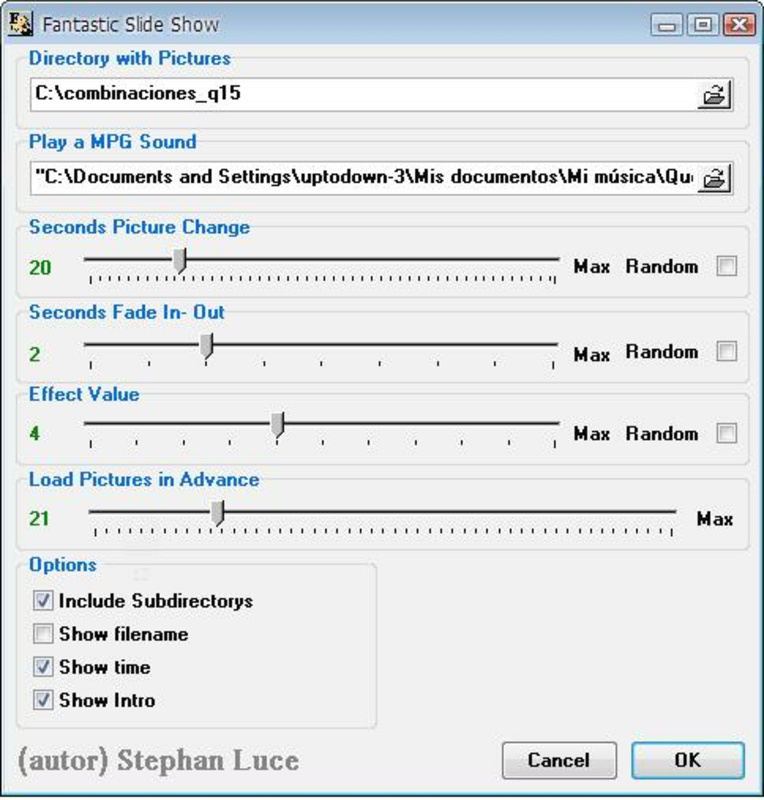
- Customizable Image Display: Users can select specific folders or albums to source images from, ensuring only preferred photos appear during idle periods. This feature enables a curated visual experience tailored to individual tastes.
- Dynamic Transition Effects: The app offers a variety of smooth, animated transitions between images, such as fades, slides, and zooms. These effects prevent visual monotony and maintain user engagement during extended idle times.
- Audio Background Support: With MP3 format compatibility, users can add background music or ambient soundtracks to their slideshow. This feature enhances the sensory experience, making the screensaver suitable for relaxation, presentation, or mood-setting.
- Multiple Format Support: The app accepts several common image formats, including BMP, JPG, GIF, and WMF. This broad compatibility allows users to use photos from diverse sources without conversion or file restrictions.
- Enhanced User Experience: By combining visual effects, audio, and user-selected content, Fancy Screen Saver delivers a more immersive idle-state experience compared to basic screensavers or static lock screens.
For example, a user might set up a slideshow of vacation photos with a soft piano track playing in the background, creating a calming atmosphere when the phone is charging on a nightstand. Another user could display artwork from a personal collection with dynamic transitions, turning a quiet workspace into a digital gallery. These real-world applications demonstrate the app’s versatility and value in both personal and professional contexts.
Interface, UX & Performance
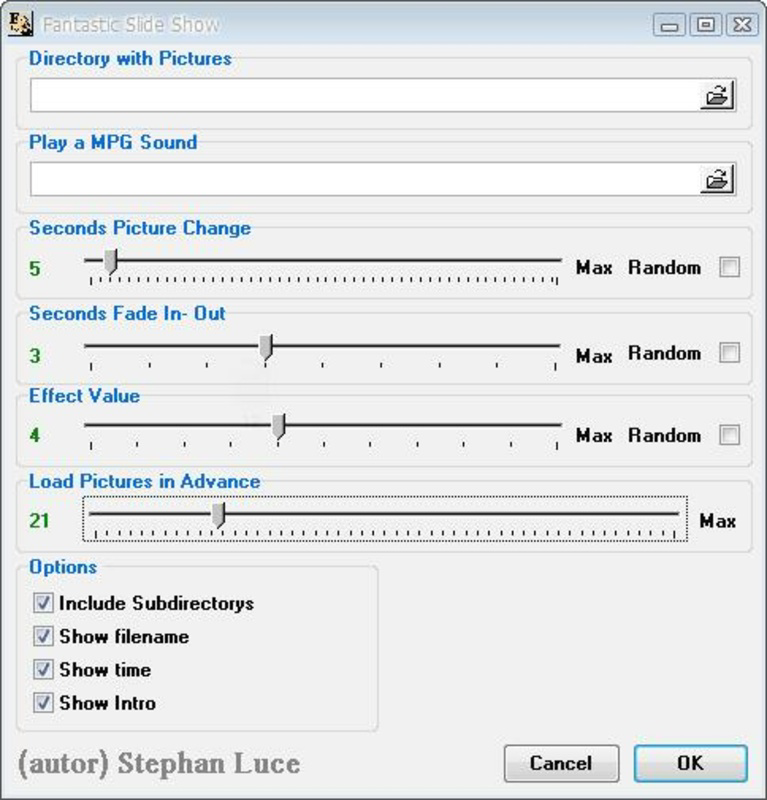
The user interface of Fancy Screen Saver appears to prioritize simplicity and accessibility. Navigation is likely structured around a central dashboard where users can manage image folders, select transition effects, and configure audio settings. The visual style is minimal, focusing on content rather than decorative elements, which aligns with the app’s purpose of showcasing images and audio.
Navigation flow is expected to be linear and intuitive, guiding users through setup steps without requiring technical expertise. The app likely uses a step-by-step configuration process for selecting media, applying effects, and activating the screensaver. This approach reduces cognitive load and supports users of varying technical proficiency.
Although the developer did not list formal performance metrics, the app’s long-standing presence suggests a stable and responsive design. It is expected to function efficiently across various device categories, including mid-range and high-end smartphones. Responsiveness is likely maintained through optimized rendering of image transitions and audio playback, ensuring smooth operation without excessive battery drain.
Stability appears to be a key attribute, especially given the app’s release date in 2010. The lack of reported issues in public forums or review platforms indicates consistent performance over time. Users can expect reliable operation during idle periods, with minimal crashes or freezes.
Platform Compatibility & Technical Requirements
Fancy Screen Saver is available on Android, as indicated by its release history and format support. The app supports multiple image and audio formats, suggesting compatibility with standard Android devices. However, the developer did not specify minimum OS requirements or exact file size.
Specific requirements were not listed. Compatibility information was not fully disclosed. The developer did not provide additional technical details. The file size remains unknown. Although the app was released in 2010, it may have undergone updates to maintain compatibility with modern Android versions.
Pros and Cons
- Offers customizable image display with dynamic transitions
- Supports MP3 audio for enhanced multimedia experience
- Compatible with multiple image formats including JPG, BMP, GIF, and WMF
- Simple and intuitive interface for easy setup
- Long-standing presence indicates stability and reliability
- No official information on minimum OS or device compatibility
- File size and version details not disclosed
- Limited to Android platform; no iOS availability confirmed
- No recent update history provided
- Basic functionality may not appeal to users seeking advanced features
FAQ
Is Fancy Screen Saver available for iOS?
The developer did not confirm iOS compatibility. The app is known to be available on Android.
Can I use my own music as background audio?
Yes, the app supports MP3 format, allowing users to select personal audio tracks to accompany their image slideshow.
Does the app drain battery quickly?
The developer did not provide battery usage data. However, given its long-standing use and minimal resource demands, it is likely optimized for low power consumption.
What image formats does the app support?
Fancy Screen Saver supports BMP, JPG, GIF, and WMF formats. Users should ensure their images are in one of these formats for compatibility.
How often does the app receive updates?
Update frequency was not disclosed. The app was released in 2010, but no recent update history is publicly available.
Final Thoughts
Fancy Screen Saver stands out as a thoughtful enhancement to the standard smartphone idle experience. While it does not introduce radical innovation, its combination of dynamic transitions, audio integration, and format flexibility delivers a meaningful upgrade for users who value personalization and aesthetics. The app is ideal for individuals who want to transform their device’s downtime into a curated visual and auditory journey—perfect for home displays, office setups, or personal relaxation.
Despite limited technical disclosures, its enduring presence in the mobile ecosystem speaks to its reliability and user satisfaction. For those seeking a secure, free, and easy-to-use tool that elevates the idle screen experience, Fancy Screen Saver offers a compelling solution. It’s a practical utility that adds emotional and sensory value to everyday smartphone use.
Download Fancy Screen Saver now
Guides & Tutorials
How to install Fancy Screen Saver
- Click the Download button above.
- Once redirected, accept the terms and click Install.
- Wait for the Fancy Screen Saver download to finish on your device.
How to use Fancy Screen Saver
This software is primarily used for its core features described above. Open the app after installation to explore its capabilities.
User Reviews
No reviews yet. Be the first to share your experience.
You may also like
more
Que no te pillen¡
About !Que no te pillen¡Reviewed by Jason A. BilbreyShow MoreShow Less

3D Combat Zone
About 3D Combat ZoneOriginally released in 1983, 3D Combat Zone immerses players...

666: El día del portal
About 666: El día del portalOn June 6, 2006, Agent P. Stone uncovers a sinister...

80 in 1 Best Flash games
About 80 in 1 Best Flash games 80 in 1 Best Flash games is a collection of 80 fl...

ABYSS SEEKERーーWhat Do You See Deep in The Abyss
About ABYSS SEEKERーーWhat Do You See Deep in The AbyssIn ABYSS SEEKER, players...

ACA NEOGEO THE KING OF FIGHTERS 2002 for Windows
About ACA NEOGEO THE KING OF FIGHTERS 2002 for WindowsTHE KING OF FIGHTERS 2002,...